RedZonkey Squads is a private movement league for your company — the office game, running in your team's chat.
Everyone competes against their own Apple Activity Ring targets, not against each other's numbers. The triathlete and the desk engineer play on equal ground. Daily stories — comebacks, rivalries, quiet streaks — land in the Slack channel your company already reads.
The HiBob integration makes launch nearly effortless: install from the marketplace, and your league arrives pre-built for your company. You approve it, invite the team, and it runs itself.
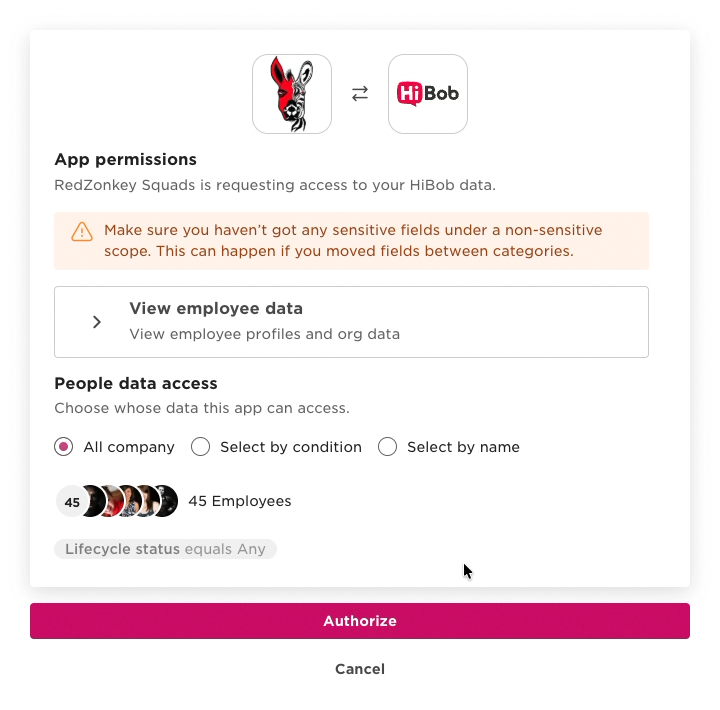
In Bob, open Marketplace and find RedZonkey Squads (Employee Performance & Engagement).
Click Install and approve the requested access. RedZonkey asks for read-only access to your employee list — nothing more. (See exactly what we read and when in Your data.)
You'll be redirected to RedZonkey to claim your admin account. Total time in Bob: about one minute.
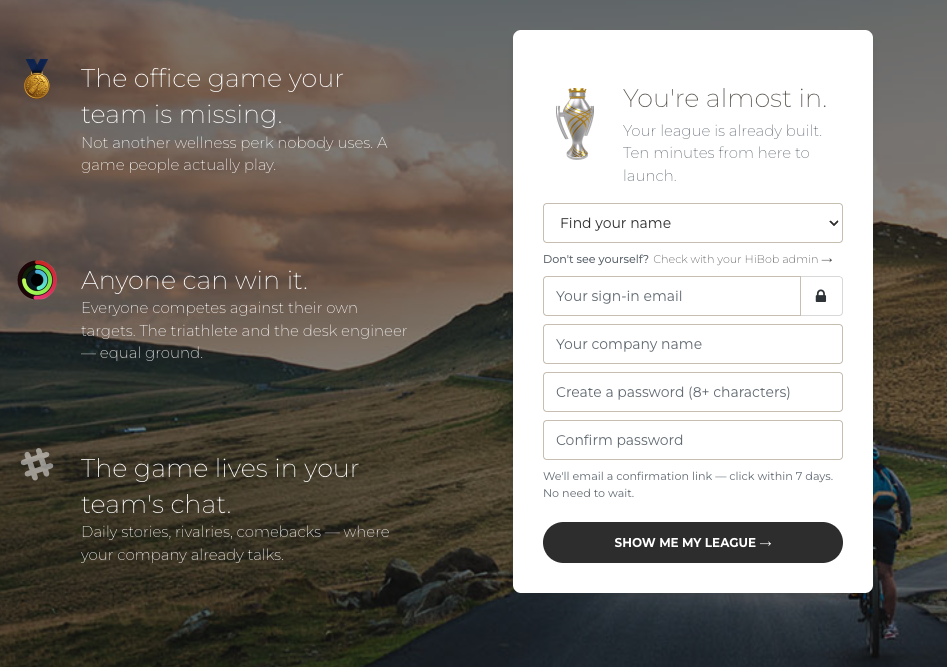
Find your name, set a password. Your league is already being built while you type.
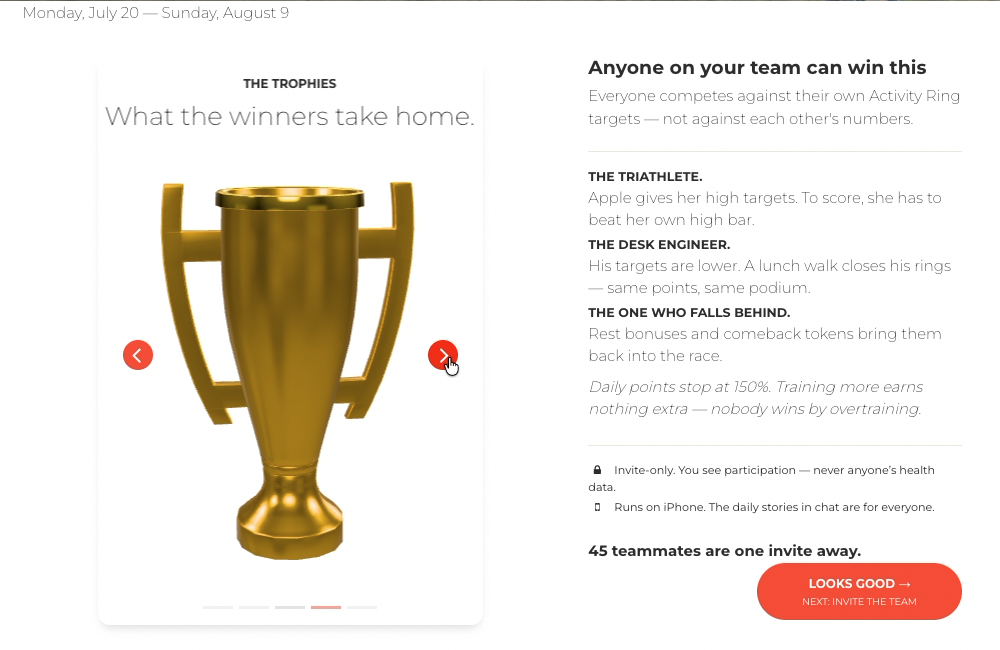
The theme, dates, rules, and trophies — designed for your company. Approve as-is or change anything.
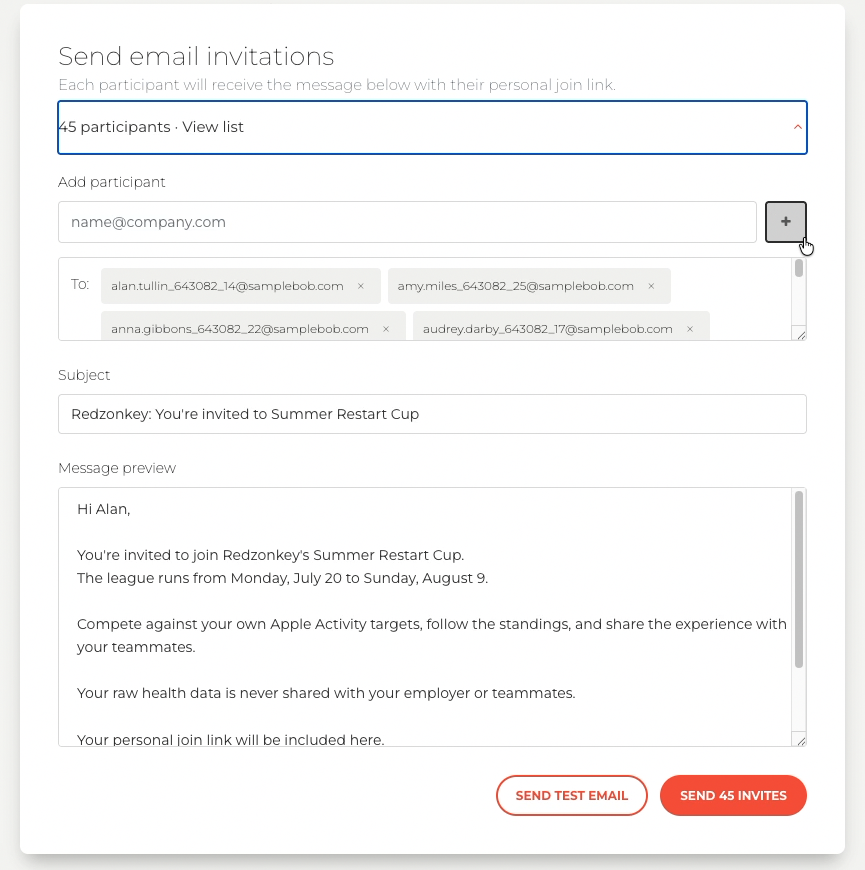
Email invitations, a chat message to copy, or a printable QR code. Every invite carries a personal join link — one tap and they're in.
Pick a public channel the whole company reads. Daily stories, leaderboards, and results post there automatically. No Slack? Stories go out by email digest.
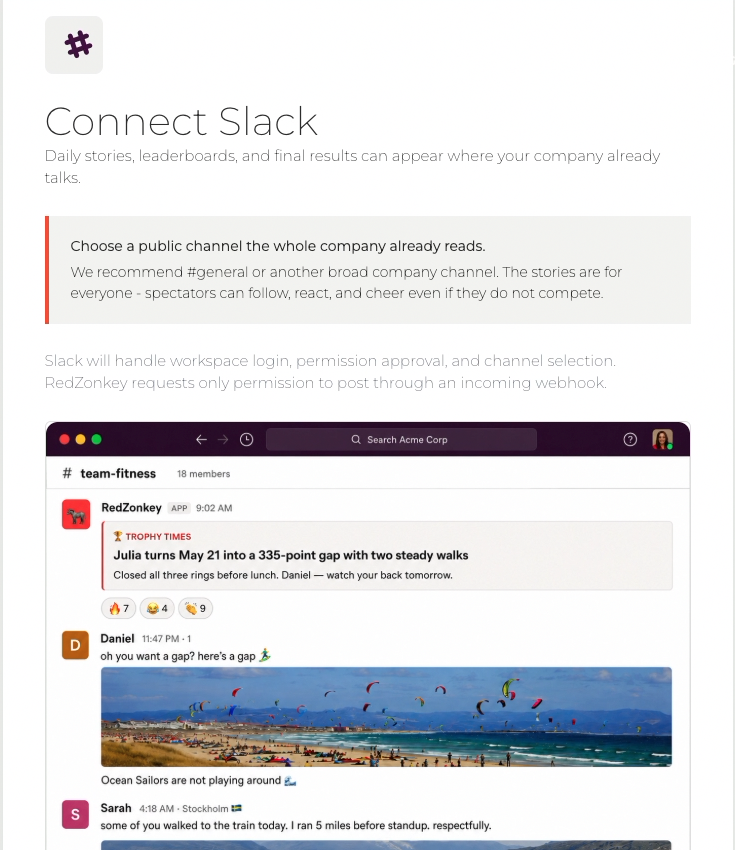
That's the whole setup. From here, the league runs itself — scoring, stories, and results are automatic.
RedZonkey Squads is built to know as little about your employees as possible.
| What we access | When | Stored by RedZonkey? |
|---|---|---|
| Company name | Once, at install | Yes — it names your league |
| Employee names, work emails, and sites | Fetched live when you open the admin dropdown or the invite step | No — displayed in real time, never stored |
| Anything else (roles, salaries, HR records, custom fields) | Never | Never |
What we write back to Bob: nothing. No fields, no updates, no webhooks, no ongoing sync.
When a teammate accepts an invitation, they create an independent RedZonkey account — it is not connected to their Bob profile. Activity data comes from each person's own iPhone via Apple Health, with their explicit consent, and is never visible to your company. Admins see participation — never anyone's health data.
The list comes from your Bob employee directory. Check with the Bob admin who installed RedZonkey that your profile is active.
Check spam folders first. If your company filters external mail, ask IT to allow sender redzonkey.com — then resend from Step 3.
They can't compete this season — but invite them anyway. The daily stories in chat are for everyone, and every game needs a crowd.
Connecting requires permission to add apps to your workspace. Send your IT team the pre-written request from Step 4 — it takes them two minutes. Or use the email digest instead.
The RedZonkey app has its own help section — or write to us directly below.
Include your company name and, if it helps, a screenshot. Real humans read every message.